


Pro-feel drawing, without the pro price tag
8,192 pressure levels, 10 shortcut keys, and a surface that feels like paper, plugged straight into your phone or laptop.
- Smooth, natural linework from your very first stroke
- 8,192 pressure levels pick up every light touch and hard press
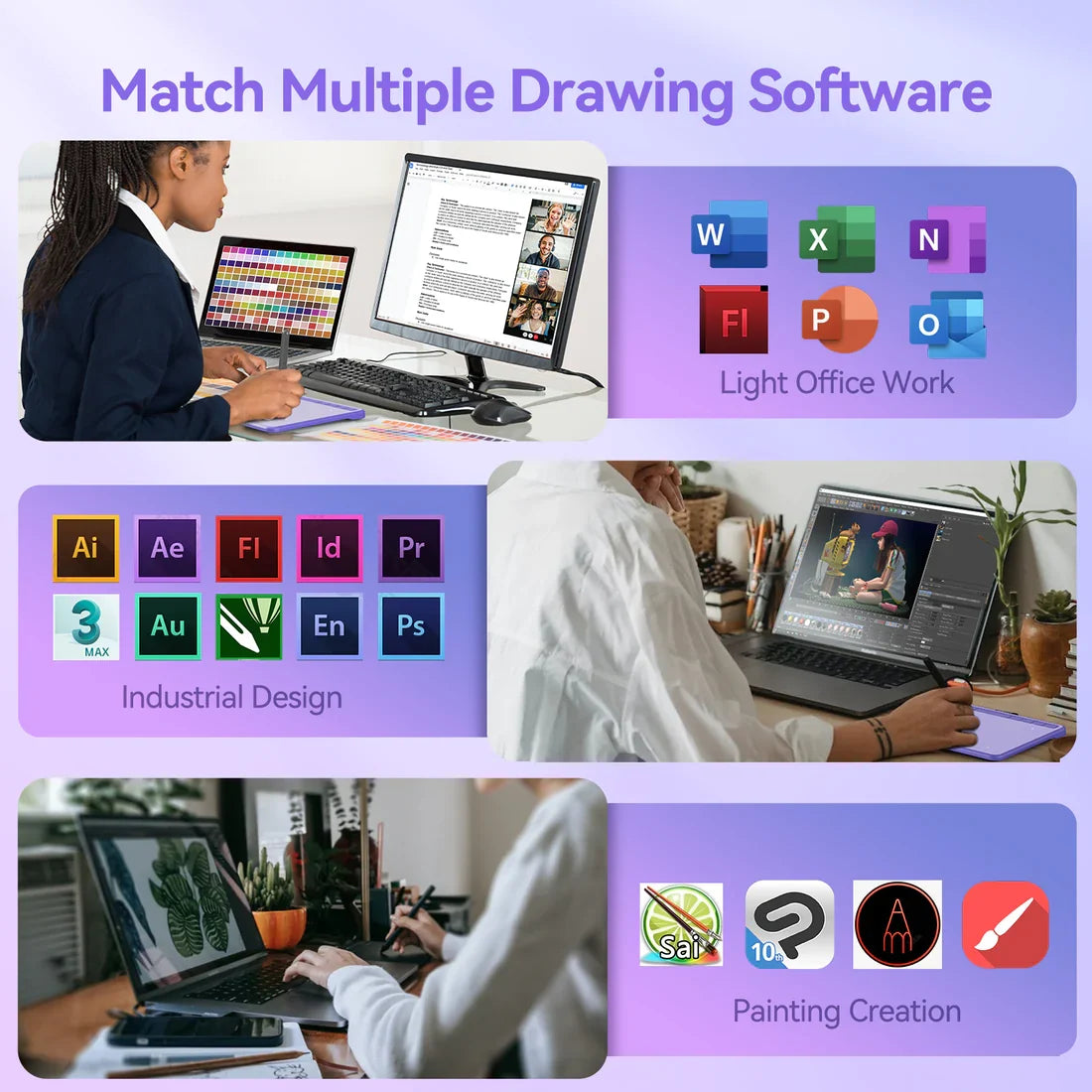
- Works as a standard tablet with Procreate, Clip Studio, and more
- Just $19.99, with free returns for 90 days
90-day returns, no questions asked
Everyone assumes a decent tablet costs hundreds
Most pro-level tablets run you hundreds of dollars before you've drawn a single line, so a lot of people quietly give up on digital art before they even start.
The truth is a steady connection and real pressure sensitivity do most of the work, not the price tag, and that's exactly what PlugDraw was built around.
How it actually works
No drivers to hunt down, no separate battery, no learning curve before you can draw a single line.
Plug it in
Connect the included cable to your phone, PC, or Mac. A USB-A and USB-C adapter are both in the box, so the port on your device isn't a guessing game.
Open any drawing app
It works like a standard pen tablet the moment it's plugged in, so Procreate, Clip Studio, and most phone sketch apps pick it up right away.
Draw with real pressure and tilt
8,192 pressure levels and full tilt support pick up a light sketch line and a hard shaded stroke the same way a real pen does on paper.
Think of the pen like a pressure-sensitive paintbrush wired straight to your screen: push a little, the line stays thin, press harder, it gets bolder, the same way ink responds under a real pen on paper.
What people say after they plug it in
Finally got mine and it's already my favorite thing on my desk. Was drawing within five minutes of opening the box.
Verified buyer
I was so sure a $19.99 tablet would feel laggy. It doesn't. The pressure sensitivity is honestly the best part.
Verified buyer
The shortcut keys sounded like a gimmick until I used them. Switching brushes without leaving the canvas changes everything.
Verified buyer
Built around how you actually draw
Every stroke responds like it should
8,192 levels of pressure sensitivity plus full tilt support mean a light pass stays thin and a hard press gets bold, the same way a pencil behaves on real paper.
Switch tools without breaking your flow
10 customizable shortcut keys on the tablet plus 2 more on the pen itself, so you can swap brushes, undo, or zoom without ever reaching for the keyboard.
Plug into your phone tonight, your laptop tomorrow
The included USB-A and USB-C adapters mean it connects to most phones, PCs, and Macs without a separate cable purchase.
Why this holds up when other cheap tablets don't
The usual complaint about budget tablets is that they feel laggy or stop working with half your apps. Here's what's different.
Real pressure sensitivity, not an on-off switch
A lot of budget tablets only register that the pen is touching the surface, not how hard. 8,192 levels means your linework actually has weight to it.
Shortcut keys that are actually there
Most tablets at this price skip shortcut keys entirely. This one has 10 on the tablet and 2 on the pen, so you're not tabbing out to the keyboard mid-sketch.
Adapters already in the box
No separate USB-A to USB-C cable to track down. Both are included, so whatever port your phone or laptop has, it's covered.
Plug and play, no special software to hunt down
It works as a standard drawing tablet the second it's connected. No account, no app install required just to start sketching.
PlugDraw vs. the alternatives
| PlugDraw | Other budget tablets | Finger on your phone | |
|---|---|---|---|
| Pressure sensitivity | 8,192 levels | Often on/off only | None |
| Shortcut keys | 10 on tablet + 2 on pen | Rarely included | None |
| Works with phone and laptop | Both, adapters included | Usually laptop only | Phone only |
| Tilt support | Full tilt | Varies | |
| Price | $19.99 | Often similar or more | Free, no precision |
Everything you need to start today
one-time payment, no subscription
- Drawing tablet with 8,192 pressure levels and full tilt support
- Pen with 2 built-in shortcut buttons
- USB-A and USB-C adapters, so it works with your phone or your laptop
- 90-day returns, no questions asked
Ships in 1-2 days, arrives in 5-10
Questions before you start sketching
Will this actually work with my phone?
Most likely, yes. It connects over USB and works like a standard HID drawing tablet, and both a USB-A and USB-C adapter are included in the box, so the port on your phone isn't a guessing game.
Is a $19.99 tablet actually going to feel good to draw on?
That's the part people are usually most surprised by. 8,192 pressure levels and full tilt support are the same specs you'd look for on a tablet that costs several times more, they're just not attached to a big brand markup here.
I've never used a drawing tablet before, is it hard to set up?
No. Plug the cable into your device, open a drawing app, and it works immediately as a standard pen tablet. No account or software install is required just to start sketching.
Does it work with apps like Procreate or Clip Studio Paint?
Yes. It works as a standard pressure-sensitive input device, so it's compatible with the drawing apps people already use on their phone, PC, or Mac.
Do I need to charge the pen or the tablet separately?
No. It draws power through the USB cable itself the moment it's plugged in, so there's nothing extra to charge before you start.
Is the drawing surface big enough for detailed work?
It's sized for sketching, doodling, and everyday digital art rather than a studio monitor replacement, and the active area maps to your full screen either way, so detail comes from zooming in, not the physical size of the pad.
What if it's not what I expected?
You've got 90 days to send it back, no questions asked.
How long does shipping take?
Orders are processed in 1 to 2 days and typically arrive 5 to 10 days after that.
More from people who plugged in
Didn't expect much at this price. The pressure sensitivity alone makes it feel like a much pricier setup.
Verified buyer
Switched from drawing with my finger and it's not close. Worth it just for the shortcut keys.
Verified buyer
Set up in a couple minutes on my laptop, then used it on my phone over the weekend. Both just worked.
Verified buyer
Bought it as a cheap way to test if I'd stick with digital art. Three months later I still use it daily.
Verified buyer
A real drawing tablet, without the real price tag
8,192 pressure levels, 10 shortcut keys, and free returns for 90 days, all for $19.99.